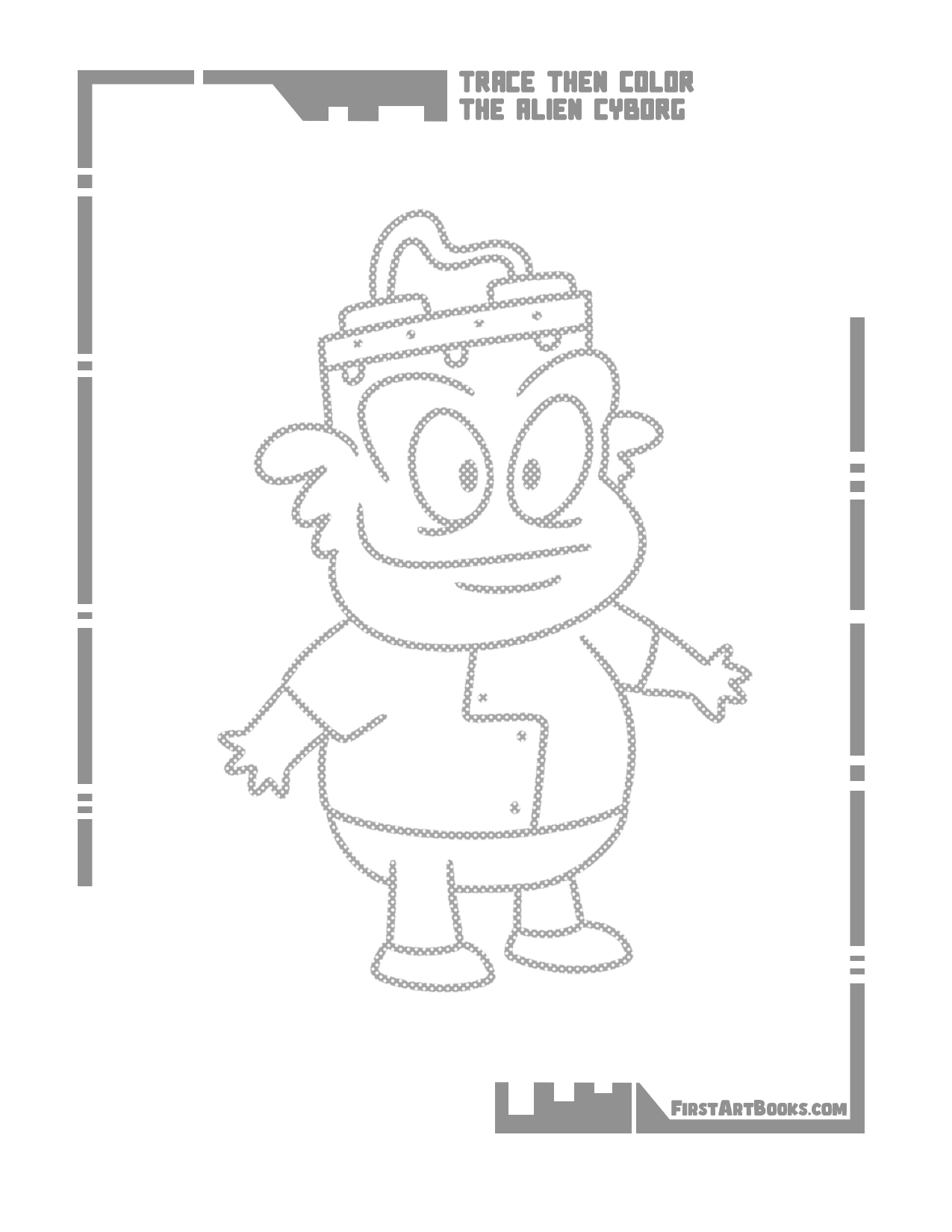
Sample 1
Download original JPGOpen the full-size page to print.
Explore mechanical alien characters with original pages from Trace Then Color: Alien Cyborgs. Use these free drawing book samples to see the method in action, then try an independent version on spare paper.
Open the full-size page to print.
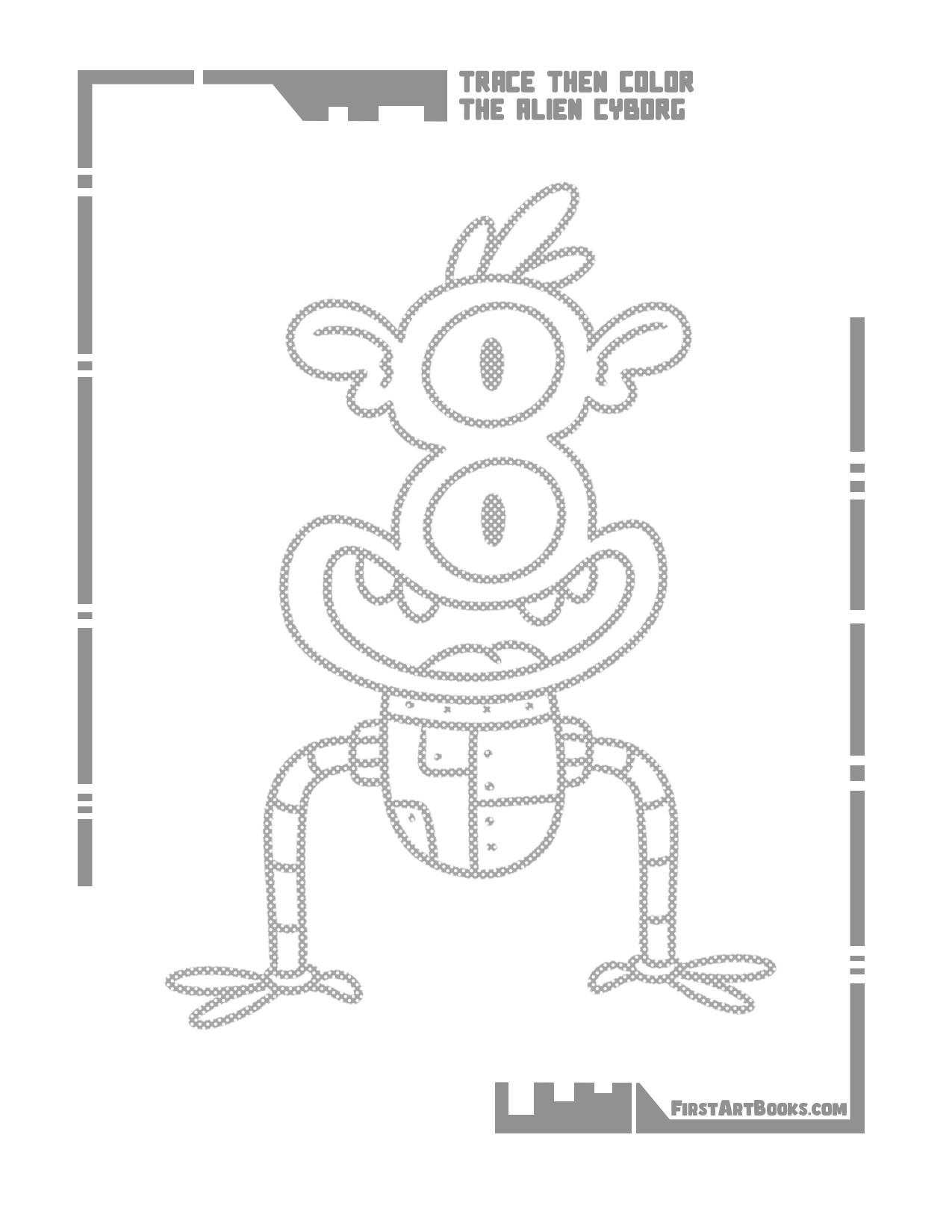
Open the full-size page to print.
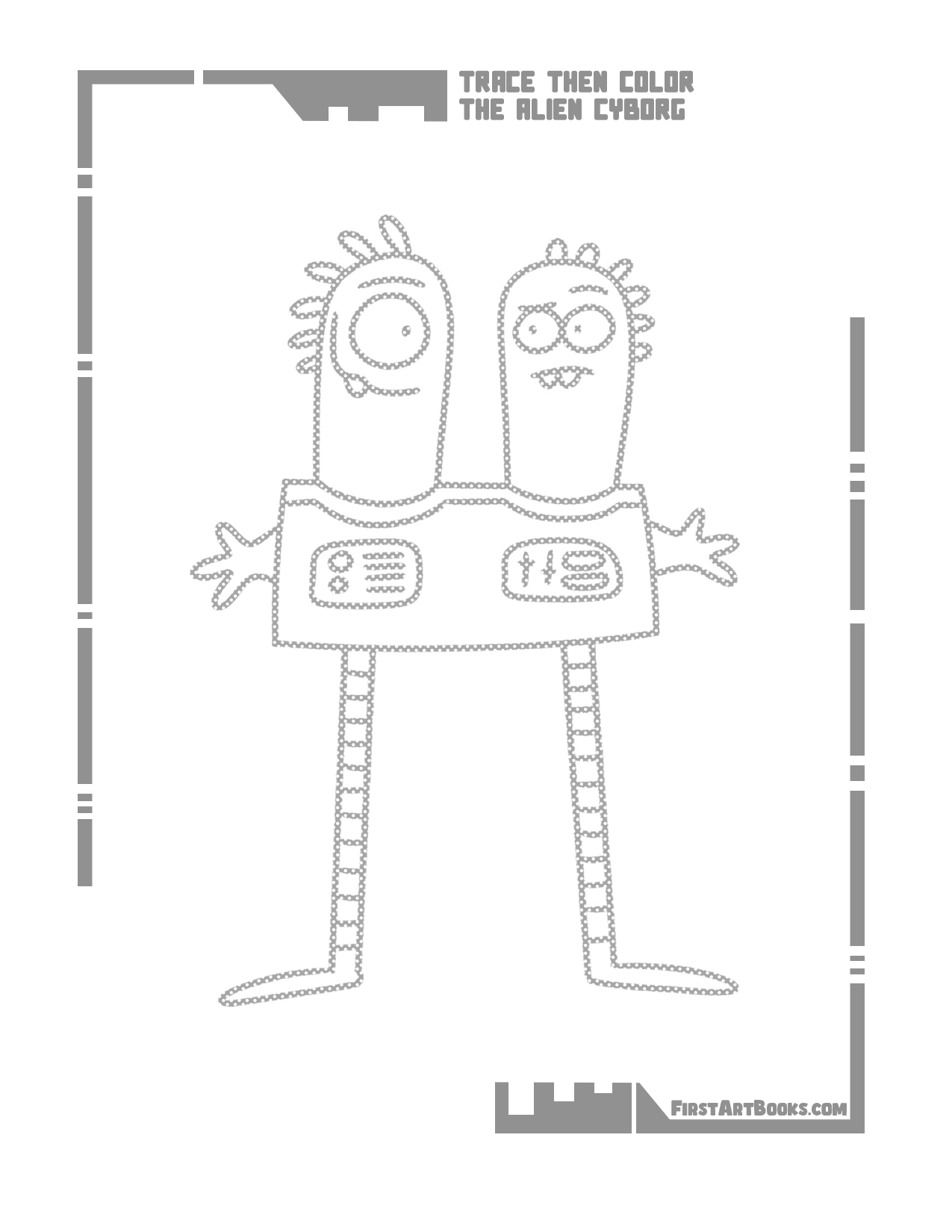
Open the full-size page to print.
Follow the faint character outline with a comfortable pencil or crayon. Turn the page if that makes a curve easier to reach. Once the outline is complete, color it in any palette; matching an example is unnecessary.
Start with the shape that anchors the picture. Pause to compare its position with the reference, then keep or change it by choice. After finishing, redraw one part from memory to see which detail your child noticed.
Look for a change from a rounded body part to a straight mechanical edge. Invent a job for the character’s equipment on separate paper.
Download the original JPG, then open it in an image viewer or your browser. Choose portrait orientation and fit the whole image to the printable area. Check the preview before printing; do not use a fill or crop setting. The download preserves Kevin Coulston’s original artwork.
These are selected interior samples, not the full book. See Trace Then Color: Alien Cyborgs details and its Amazon purchase link to compare the book’s format and age guidance.